Printing, signing, scanning and couriering documents still costs many organisations days on every agreement. Sales contracts wait for a signature, new hires wait for offer letters, and quality documents wait for approvals. Electronic signatures remove that delay, and Adobe Acrobat Sign is one of the most widely used platforms to do it.
What is Adobe Acrobat Sign?
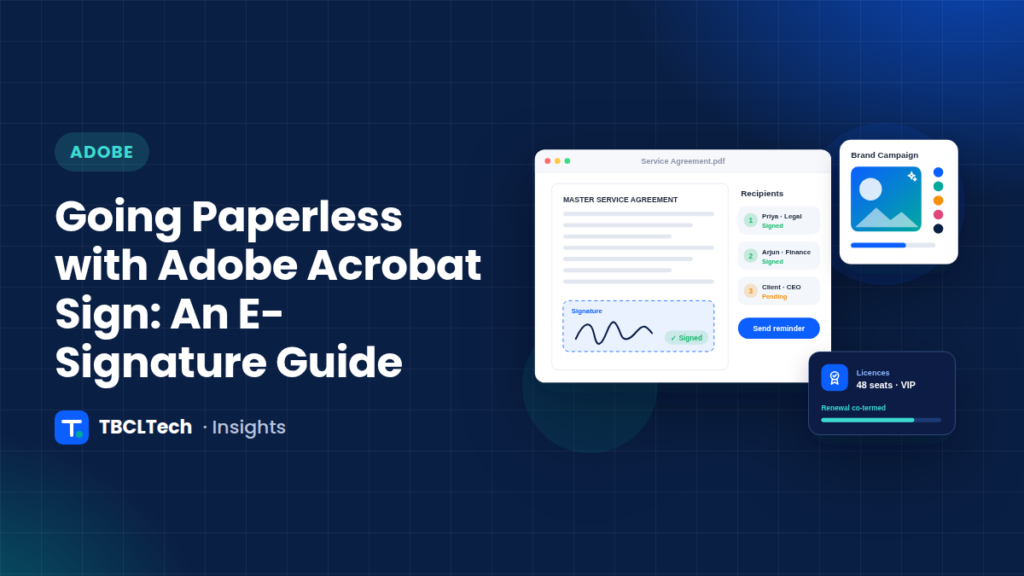
Acrobat Sign is Adobe’s e-signature service, part of Adobe Document Cloud. It lets you send documents for signature, collect signatures on any device, track progress in real time and store the completed agreement with a full audit trail. It works inside Acrobat and with business applications such as Microsoft 365 and Salesforce.
Where e-signatures deliver fast wins
- Sales: quotes, order forms, NDAs and master service agreements.
- HR: offer letters, onboarding forms and policy acknowledgements.
- Procurement: vendor registration, purchase orders and contracts.
- Quality and operations: document approvals, deviations and training sign-offs.
Are e-signatures legally valid?
In India, the Information Technology Act, 2000 recognises electronic signatures for most business documents, with some exclusions such as wills, negotiable instruments and property sale deeds. Many other countries have similar laws. Always confirm requirements for your specific documents with your legal team, and choose the signature type that matches the level of assurance you need.
How to roll out e-signatures successfully
- Start with high-volume documents where delays hurt most, such as sales agreements or offer letters.
- Build reusable templates with signature fields, form fields and signing order defined once.
- Integrate with the systems your teams already use, so documents are sent automatically from CRM, HR or workflow tools.
- Set up administration: user groups, branding, retention and single sign-on.
- Train users and measure turnaround time before and after.
Connecting signatures to your workflows
The biggest gains come when signatures are part of an end-to-end process. For example, when a purchase request is approved in Kissflow, an automation built with Make can generate the contract, send it through Acrobat Sign and file the signed copy, with no manual steps.
Getting the licensing right
Acrobat Sign and Acrobat Pro can be licensed on their own or together with Creative Cloud through Adobe programmes such as the Value Incentive Plan (VIP). A short licence review often finds unused seats and better-fitting plans.
TBCLTech is an Adobe reseller and helps organisations license, deploy and integrate Adobe Acrobat, Acrobat Sign and Creative Cloud. Talk to our Adobe team for a quote or a demo.